People rarely “go find” a chatbot on purpose. Most of the time, they encounter one by accident while browsing a website, checking pricing, or seeking support. The chatbot lives on the page, and if the timing is right, a conversation starts.
QR codes completely flip this dynamic.
Instead of waiting for users to land on your website and notice a chat widget, QR codes pull people directly into the conversation. One scan is all it takes. Whether someone is at an event, in a store, watching a webinar, or holding a product in their hands, a QR code becomes the fastest entry point to your AI assistant.
In this guide, we’ll explain why QR codes dramatically improve chatbot engagement, explore real-world use cases, and show how to set up a QR-to-chatbot flow using NoForm AI.
Why QR codes increase chatbot engagement
Traditional chatbot engagement depends on several conditions being met. A visitor must arrive on your website, notice the chat widget, understand what it’s for, and decide to interact. While many users do engage this way, there’s an opportunity to make the experience even more seamless.
QR codes streamline that journey. When someone scans a QR code, they’ve already made an intentional decision to engage. The embedded chat opens immediately, usually on their phone, without requiring navigation, page loads, or context switching. The barrier to entry is lower, but the intent is higher.
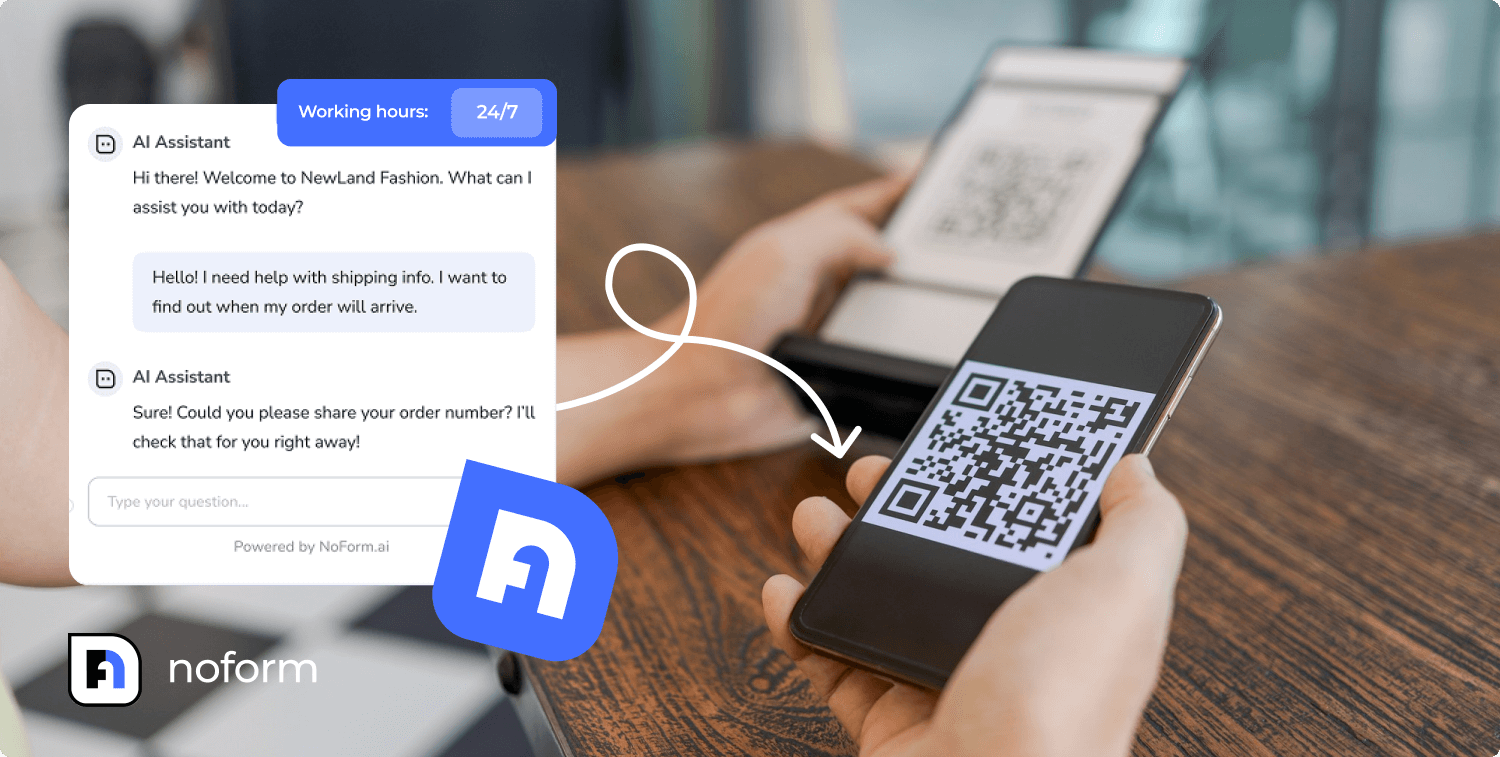
This is what makes QR-driven chatbot engagement so effective. Fewer steps lead to stronger intent, and stronger intent leads to better conversations. The “scan-and-go” experience feels natural and efficient, especially when people want quick answers or immediate support.
Instead of waiting for users to discover your chatbot on your website, QR codes bring the chatbot to the exact moment and place where it’s most useful – expanding your reach beyond your website.
Real-world use cases where QR codes shine
QR codes work best in environments where people want information now, not later. When combined with an AI assistant, they turn static moments into interactive experiences and passive touchpoints into active conversations.
Here’s how businesses are using QR codes to drive meaningful chatbot engagement.
Webinar and livestream Q&A automation
Live webinars and streams often struggle with question overload. Participants ask the same questions repeatedly, important ones get buried in the chat, and hosts don’t have time to manage everything in real time.
By placing a QR code directly on the screen, viewers can scan and open a dedicated Q&A chatbot. The assistant can instantly answer common questions, while viewers can also leave their contact details for a demo, quote, or follow-up conversation. This allows hosts to contact genuinely interested prospects with full context – not cold outreach, but warm, informed conversations based on the questions they asked and topics they engaged with during the event.
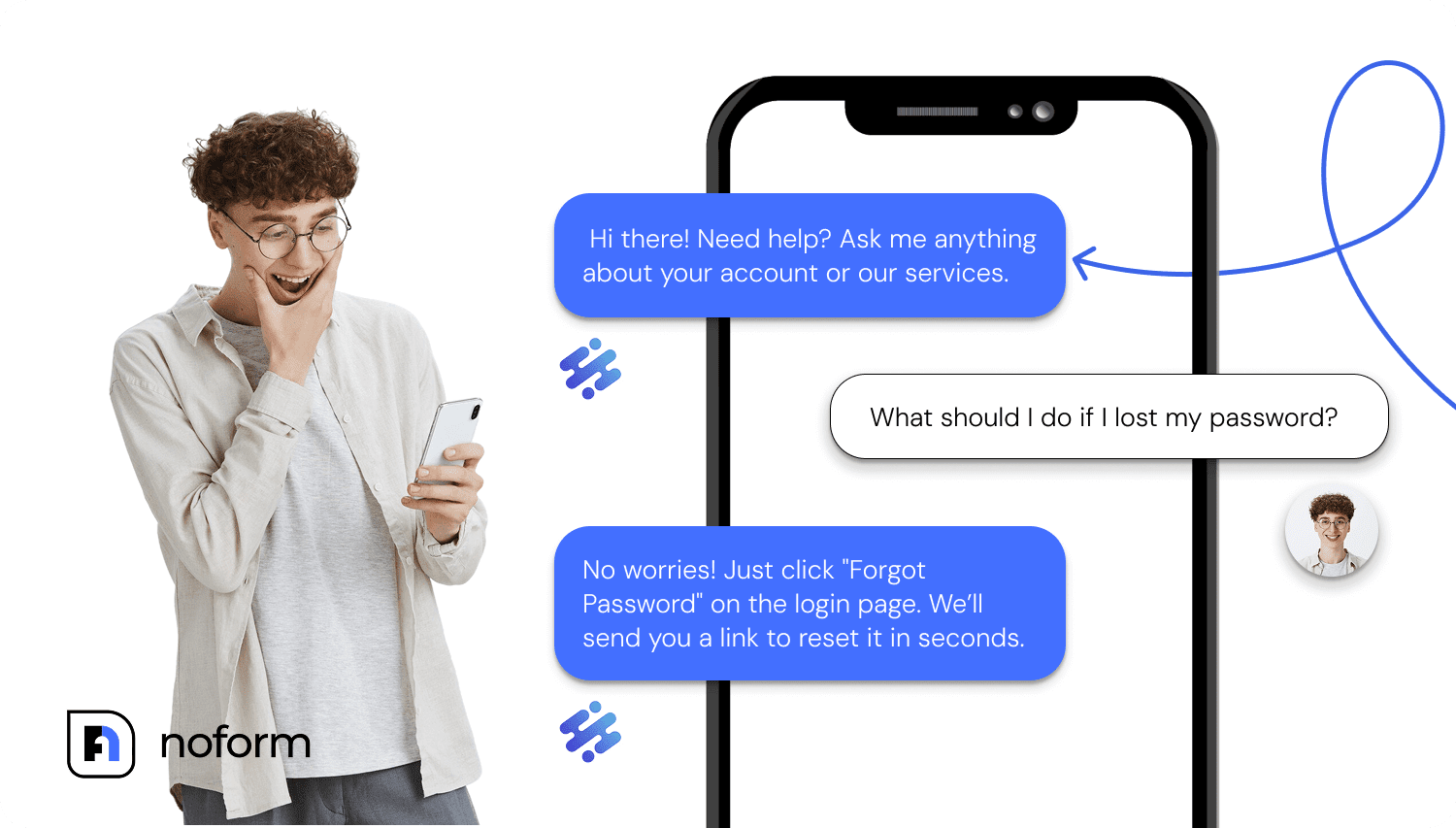
For attendees, it feels seamless. For hosts, it reduces noise and improves interaction quality, and creates qualified leads from engaged participants.
Offline event and conference concierge
Conferences are filled with information: schedules, room changes, speaker details, venue layouts, and networking opportunities. Traditionally, this information lives on signs, printed programs, or event apps that people forget to install.
QR codes offer a simpler alternative.
When attendees scan a code on a badge, sign, or booth display, they’re taken to a page with an embedded AI assistant that acts as a personal event concierge. The bot can provide directions, session times, speaker bios, notes, and even networking links – all through a conversational interface.
This reduces pressure on staff, minimizes confusion, and creates a smoother event experience without requiring additional apps or manual support.
In-store and print media engagement
Printed materials are everywhere – product packaging, brochures, flyers, menus, posters, billboards, and table cards. But print is inherently static. Once it’s printed, the information doesn’t change.
QR codes add a dynamic layer to print materials.
When someone scans a QR code on a product box or flyer, they’re taken directly to a page with an embedded chatbot that can explain features, compare options, share reviews, offer discounts, or capture contact details. Instead of sending people to a homepage and hoping they find the right page, the conversation stays focused and relevant, a key advantage of chatbot marketing.
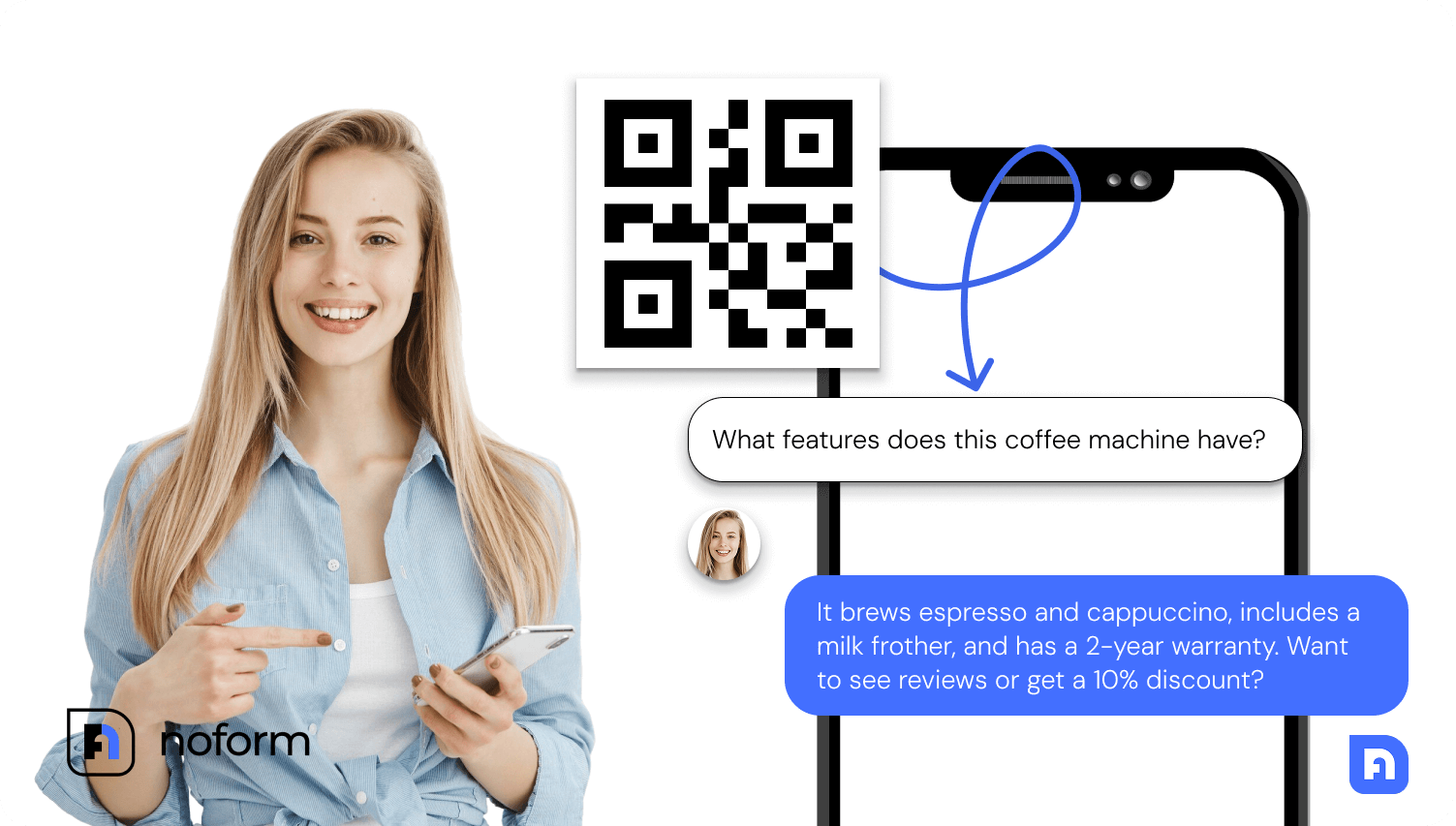
This approach works particularly well in retail and hospitality, where quick answers and timely offers can influence purchase decisions.
Product packaging and instant manuals
After purchase, customers often need help right away. Setup instructions, troubleshooting steps, or safety information shouldn’t require searching through a website or downloading a PDF.
A QR code on the product or packaging solves this instantly. One scan opens an embedded AI assistant that provides step-by-step guidance, answers common issues, and points users to the right resources.
Why does this work so well with NoForm AI
QR codes handle the entry point. NoForm AI handles everything that happens next.
Once the chat opens, NoForm AI’s assistant automatically answers questions, guides users through information, captures contact details, and qualifies leads based on your predefined logic. There’s no need for manual follow-up or constant supervision.
Together, QR codes and NoForm AI create a frictionless engagement loop. Users move naturally from scan to conversation, and from conversation to action. The result is higher engagement, better lead quality, and more efficient use of your existing touchpoints.
How to set up a QR-to-chatbot flow with NoForm AI
Setting up this flow is straightforward and doesn’t require technical expertise.
Start in the AI Assistant tab inside NoForm AI. This is where you create and customize your chatbot. You can define its knowledge base, adjust tone and responses, and configure how it captures and qualifies leads.
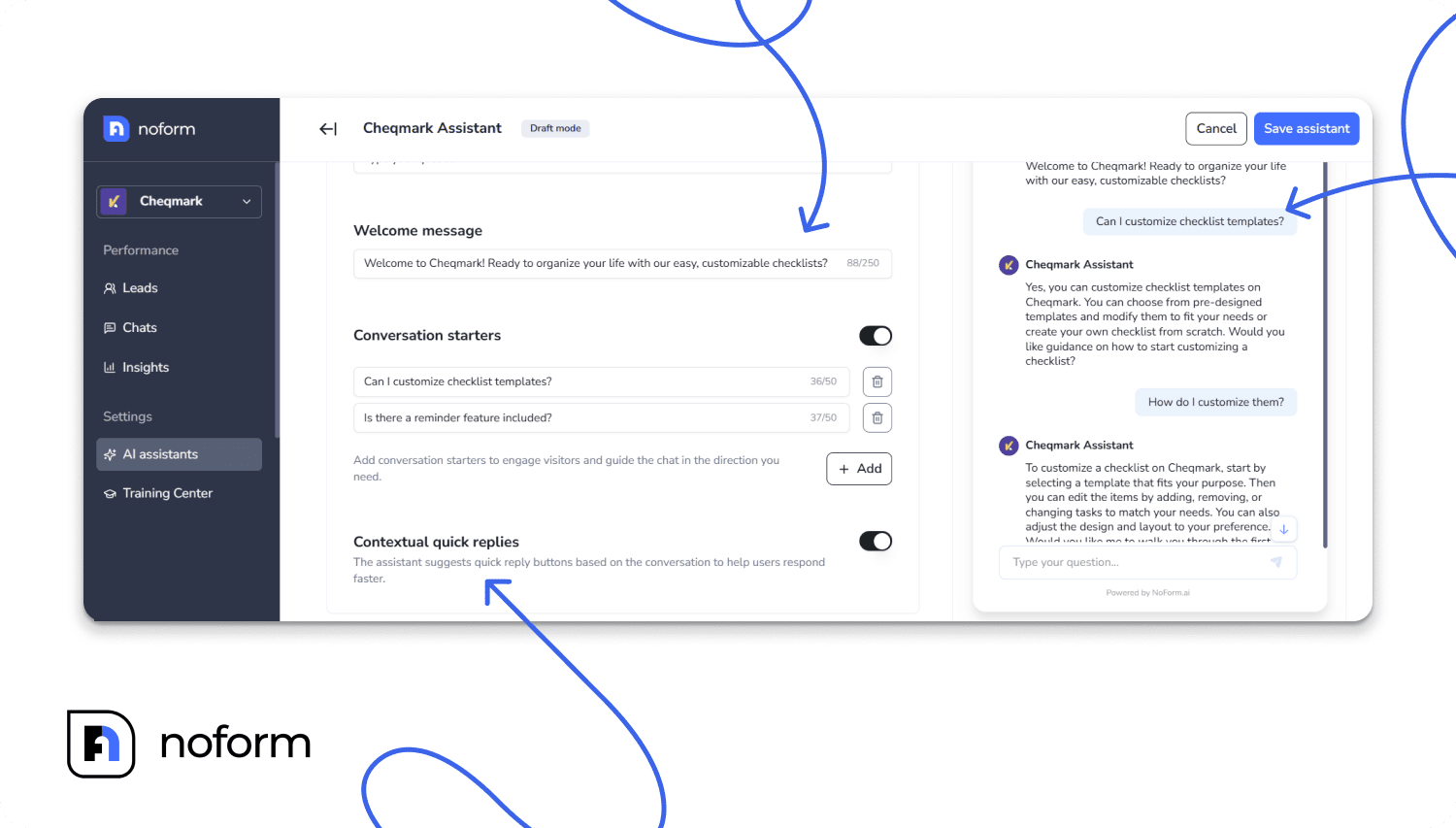
Once your assistant is ready, head to the Installation tab. Navigate to the Embedded chat section and copy your unique chatbot embed code. This code will allow you to embed the chat interface on any webpage.
Set up a landing page (it can be a single page on your website or a standalone page) and paste the code snippet into the page’s HTML. When users visit this page, they’ll immediately see the embedded chat interface ready for conversation.
Copy the URL of this dedicated landing page. That’s the link you’ll use in your QR code.
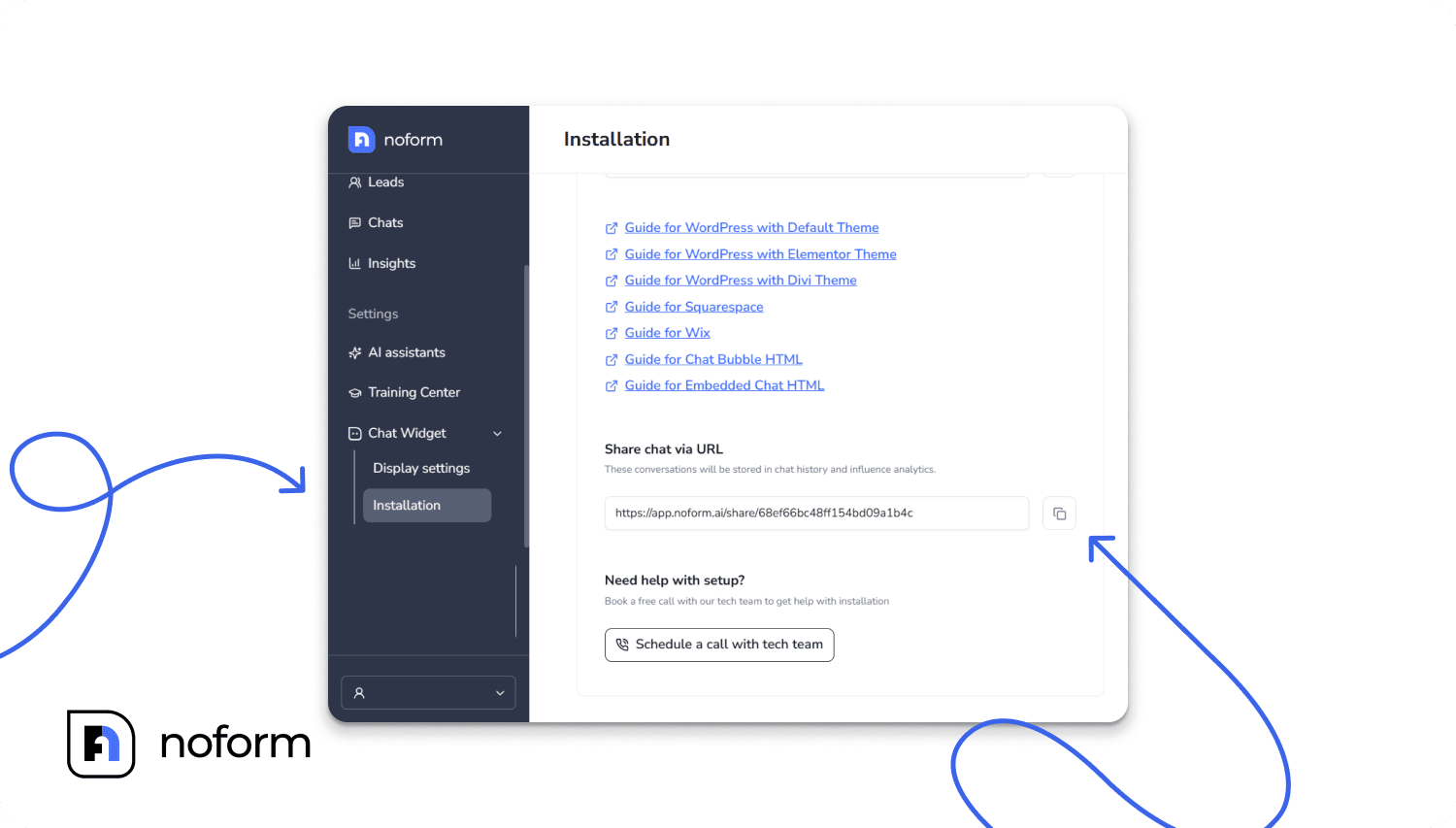
Paste it into a QR code generator, download the generated code, and place it wherever your audience interacts with your brand: on slides, packaging, signs, menus, or printed materials. From that point on, every scan launches a direct conversation with your AI assistant.
Top QR code generators you can use
To create QR codes for your NoForm AI chatbot link, you’ll need a reliable generator. Here are three popular tools that cover most use cases, from simple static codes to more advanced, trackable options.
AI QR code generator by MySignature
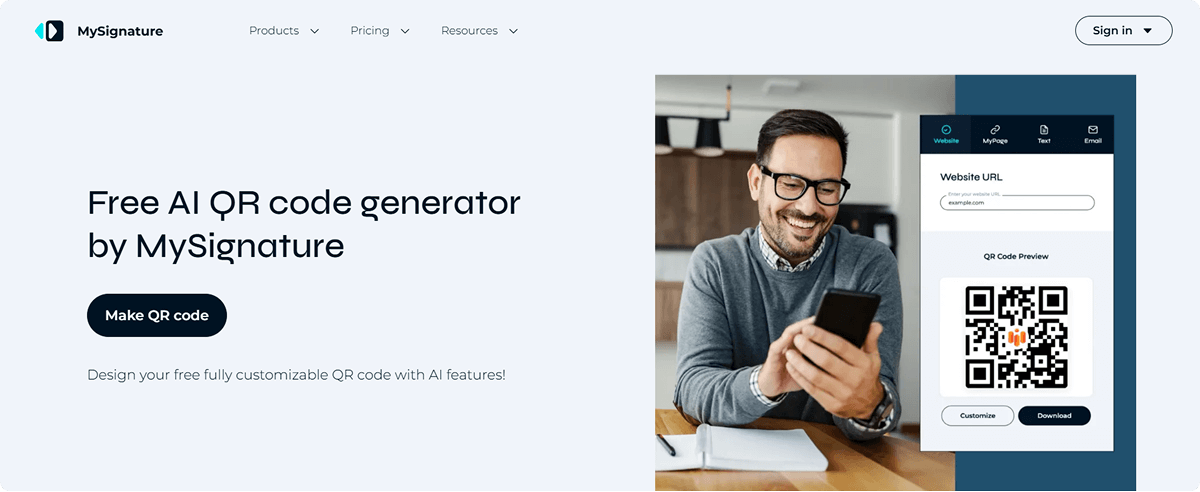
AI QR Code Generator by MySignature is a strong choice for teams that care about branding and visual consistency. It allows you to create fully customizable QR codes with logos, colors, and frames, and supports multiple content types, including URLs, PDFs, and digital business cards. It’s easy to use and ideal for marketing materials and business cards, though it doesn’t include scan analytics.
QRCode Monkey
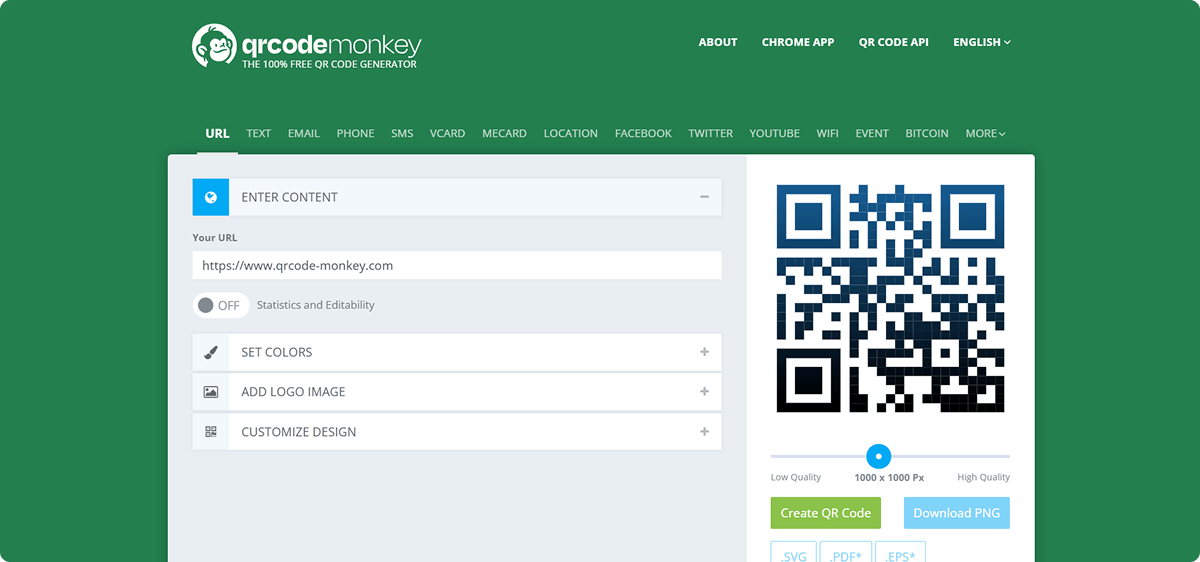
QRCode Monkey is a widely used free tool for creating high-resolution static QR codes. It supports logo insertion, custom colors, and multiple print-ready export formats. It’s reliable and simple, making it a good option when you need clean, print-ready codes without advanced features.
QR TIGER
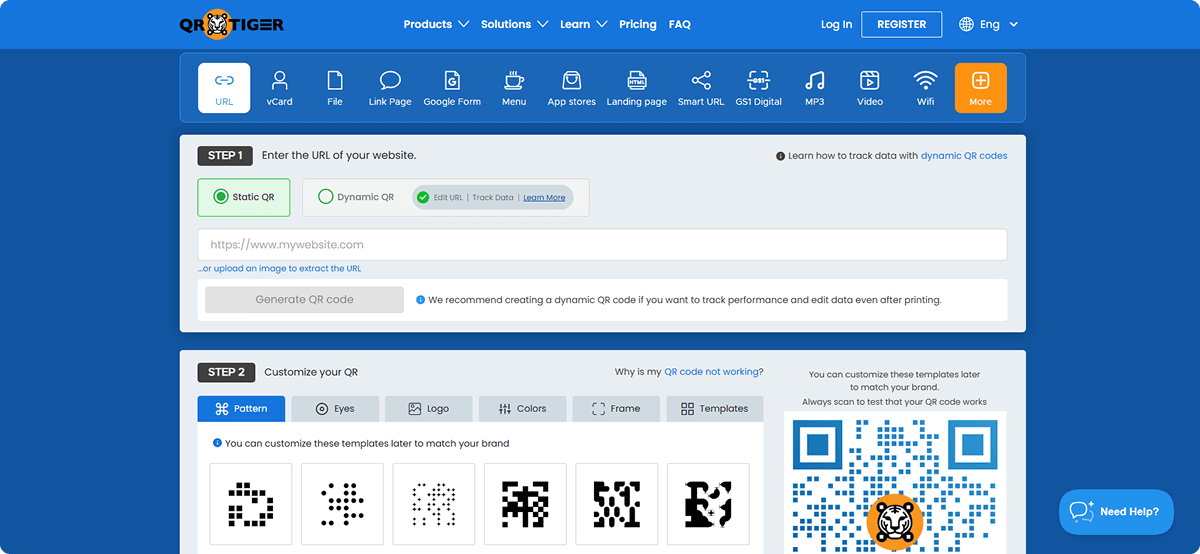
QR TIGER offers both static and dynamic QR codes, along with scan analytics and editable destinations. This makes it especially useful for campaigns where you want to track performance or update links without reprinting materials. It’s more feature-rich, but also slightly more complex than basic generators.
Conclusion
QR codes are no longer just a shortcut to a website. When paired with an AI assistant, they become a powerful bridge between the physical world and real-time digital conversations that actually convert.
By using QR codes to launch your NoForm AI chatbot, you meet users exactly where they are – at events, in stores, during webinars, or right after purchase. You reduce friction, increase engagement, and turn everyday moments into opportunities for meaningful interaction and qualified lead generation.
NoForm AI handles the conversation, qualification, and follow-up, while QR codes handle discovery and access. Together, they create a scalable, efficient way to engage users beyond your website.
If you’re ready to turn scans into conversations and conversations into results, start building your QR-to-chatbot flow with NoForm AI today.
Frequently Asked Questions (FAQ)
What is a QR code chatbot?
A QR code chatbot is a conversational AI tool that users access by scanning a Quick Response (QR) code with their smartphone. Instead of waiting for a user to navigate to a website and find a chat widget, the QR code instantly launches a dedicated chat interface, bridging the gap between physical touchpoints (like packaging or event signage) and digital support.
How do QR codes improve chatbot engagement?
QR codes improve engagement by removing friction and capturing users at the moment of highest intent. A QR scan represents a deliberate action by the user. This “scan-and-go” approach eliminates navigation steps, leading to faster interactions and higher conversion rates, as the user is immediately placed into a helpful conversation.
Where can I use QR codes to drive chatbot traffic?
QR codes are most effective in environments where users need immediate information. Key use cases include:
- Webinars: On-screen codes for instant Q&A or lead capture.
- Events: Badge or booth codes acting as a digital concierge.
- Retail: Product packaging codes that open digital manuals or support bots.
- Print Media: Flyers and brochures that lead to interactive promotional offers.
How do I set up a QR code for my NoForm AI chatbot?
To set up a QR code for NoForm AI, first create your AI assistant and copy its embed code from the Installation tab. Paste this code onto a dedicated landing page on your website. Finally, copy that page’s URL and plug it into a QR code generator (like QRCode Monkey or MySignature). The resulting image is your direct link to the chatbot.
Why use a chatbot instead of a static PDF for product manuals?
Using a chatbot offers a dynamic, interactive experience that static PDFs cannot match. While a PDF requires a user to scroll and search for answers, an AI chatbot launched via QR code can instantly answer specific troubleshooting questions, guide the user through setup step-by-step, and even escalate complex issues to human support if needed.